|
OpenShift Origin 3.6 : Add new Users
2017/11/23 |
|
Add new Users for OpenShift Origin.
This example is based on the environment that identity_providers is configured with HTPasswd like here.
Anyway, This example is based on the cluster environment like follows.
-----------+-----------------------------------------------------------+------------
           |10.0.0.30                    |10.0.0.51                    |10.0.0.52
+----------+-----------+      +----------+-----------+      +----------+-----------+
|  [  dlp.srv.world ]  |      | [ node01.srv.world ] |      | [ node02.srv.world ] |
|     (Master Node)    |      |    (Compute Node)    |      |    (Compute Node)    |
|     (Compute Node)   |      |                      |      |                      |
+----------------------+      +----------------------+      +----------------------+
|
| [1] | On Master Node, add a new user with HTPasswd. |
|
[origin@dlp ~]$ New password: # set password Re-type new password: Adding password for user cent |
| [2] | Login with any OS user and next, Login to OpenShift Cluster with a user just added with HTPasswd. |
|
# for [Server], specify the same one with [masterURL] in [master-config.yaml] [cent@dlp ~]$ oc login Server [https://localhost:8443]: https://dlp.srv.world:8443 Authentication required for https://dlp.srv.world:8443 (openshift) Username: cent Password: Login successful.
You don't have any projects. You can try to create a new project, by running

    oc new-project <projectname>

Welcome! See 'oc help' to get started.
# current login user [cent@dlp ~]$ oc whoami cent # logout [cent@dlp ~]$ oc logout Logged "cent" out on "https://dlp.srv.world:8443" |
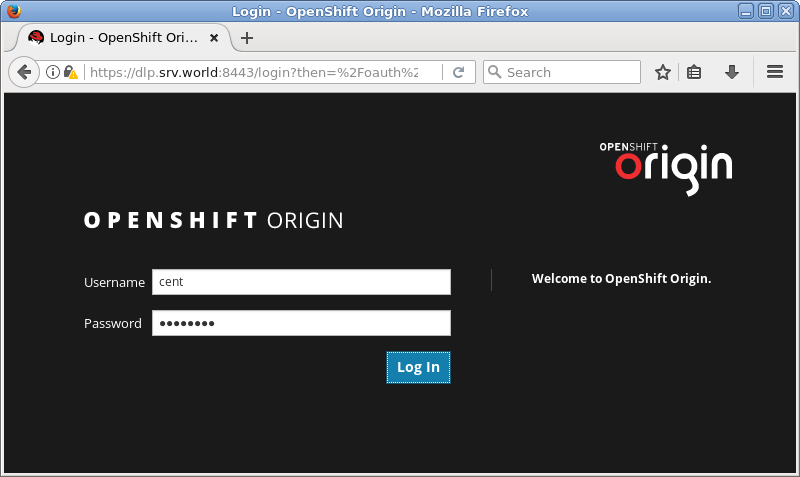
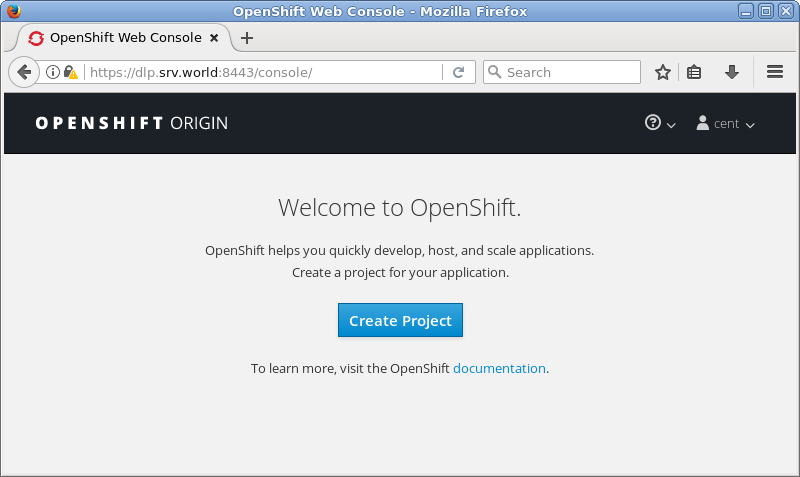
| [3] | It's possible to access to admin console from any Clients with Web browser. |
|
|